New in Penjo 3.8
Penjo on iPhone Duo
Penjo is a journal and planner with a page for every day, and that day’s Calendar events and Reminders beside it. Penjo 3.8 is ready for iPhone Duo in every pose: open it like a book on your desk, set it down half open on a table, hold it tall, or close it and keep writing on the outer display.
Free to try. Calendar, Reminders and iCloud sync are part of Penjo Unlimited.
Book
Open it like a book
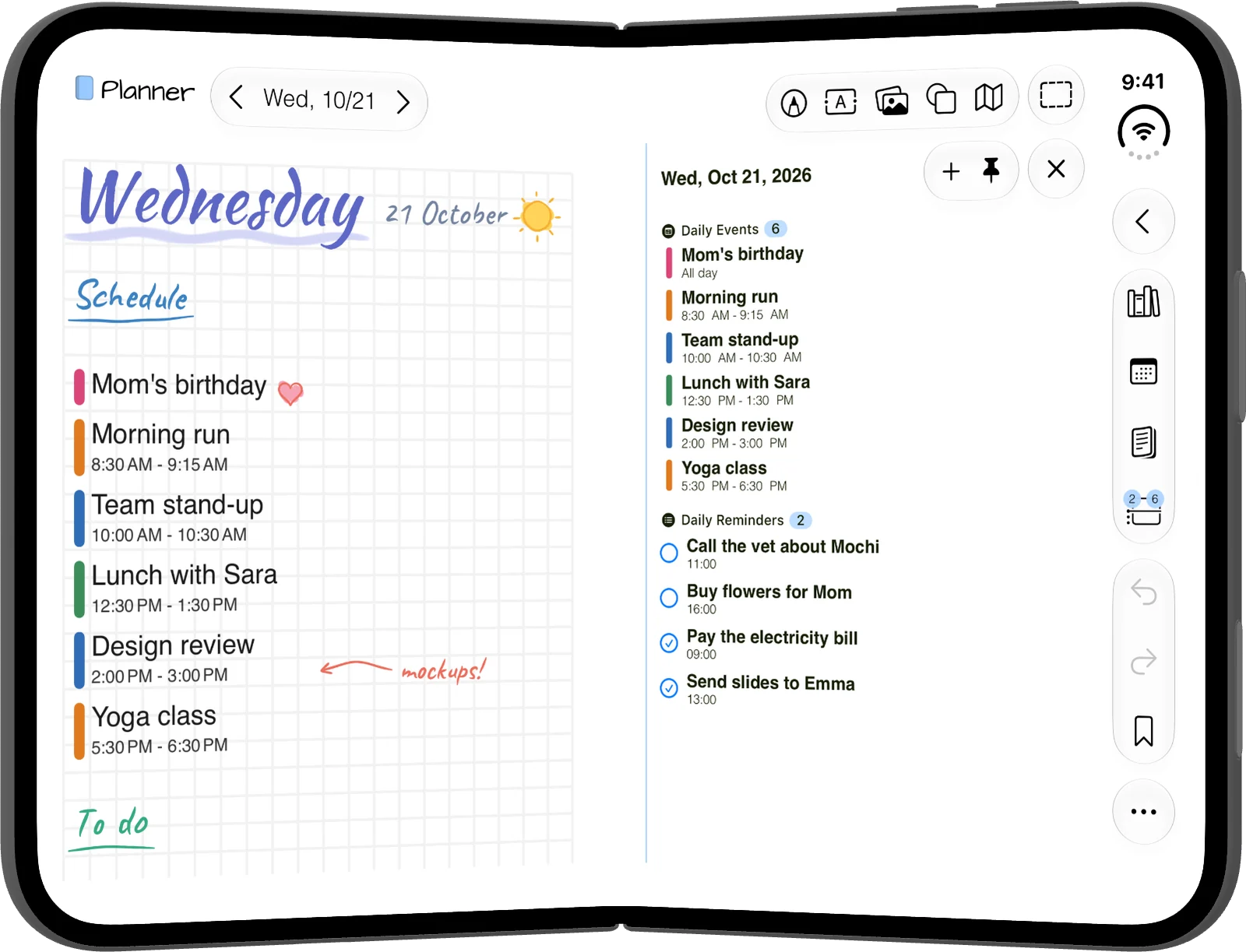
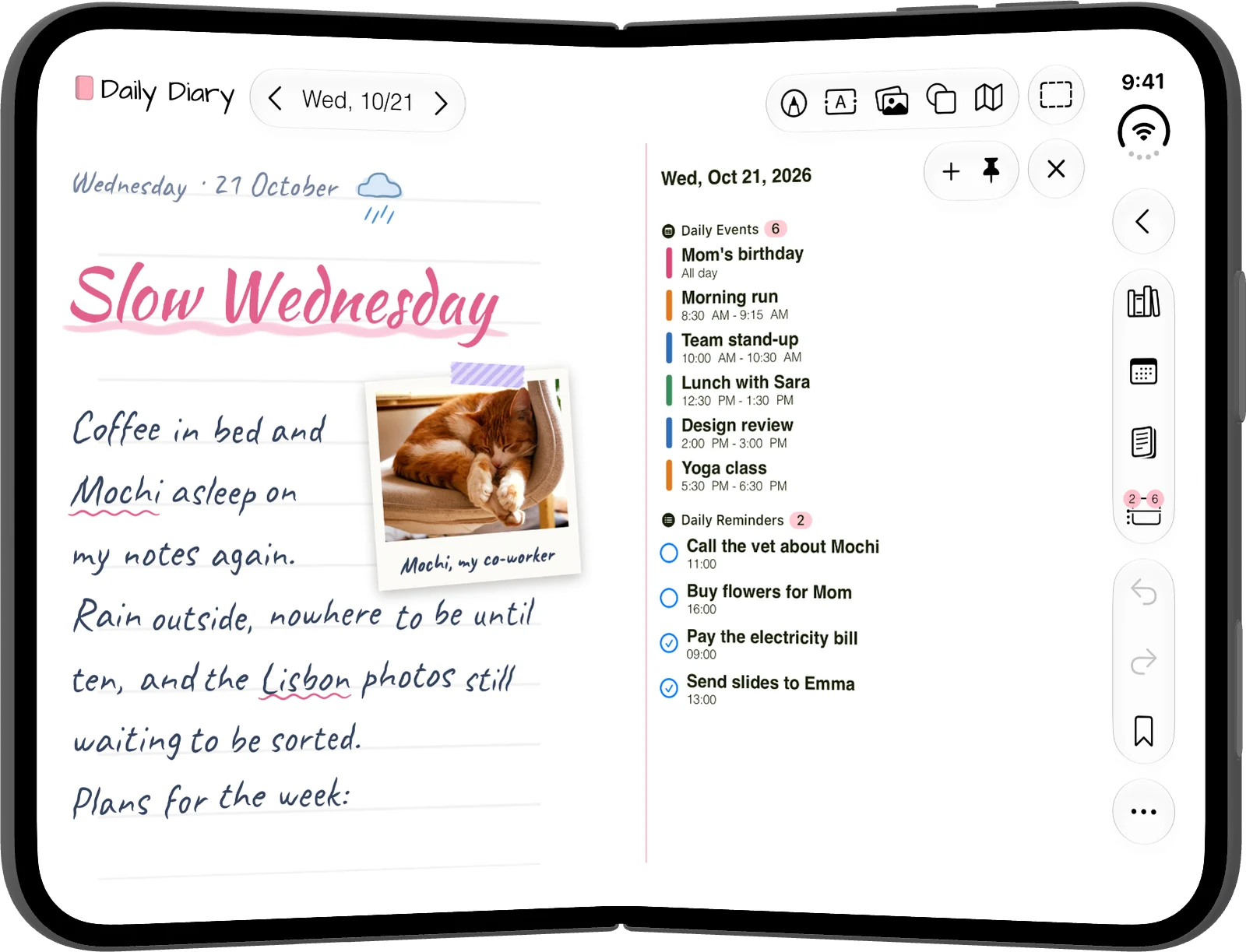
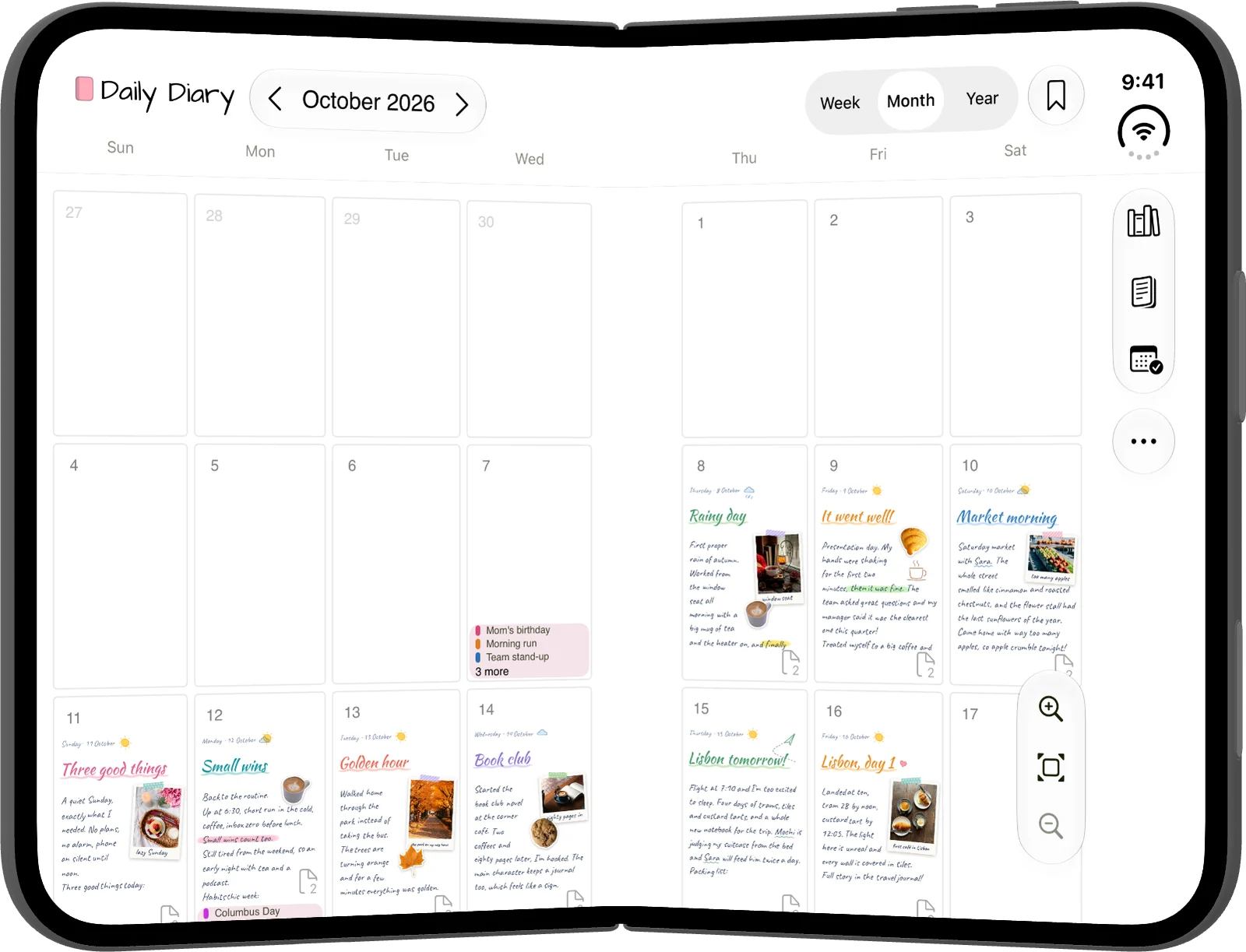
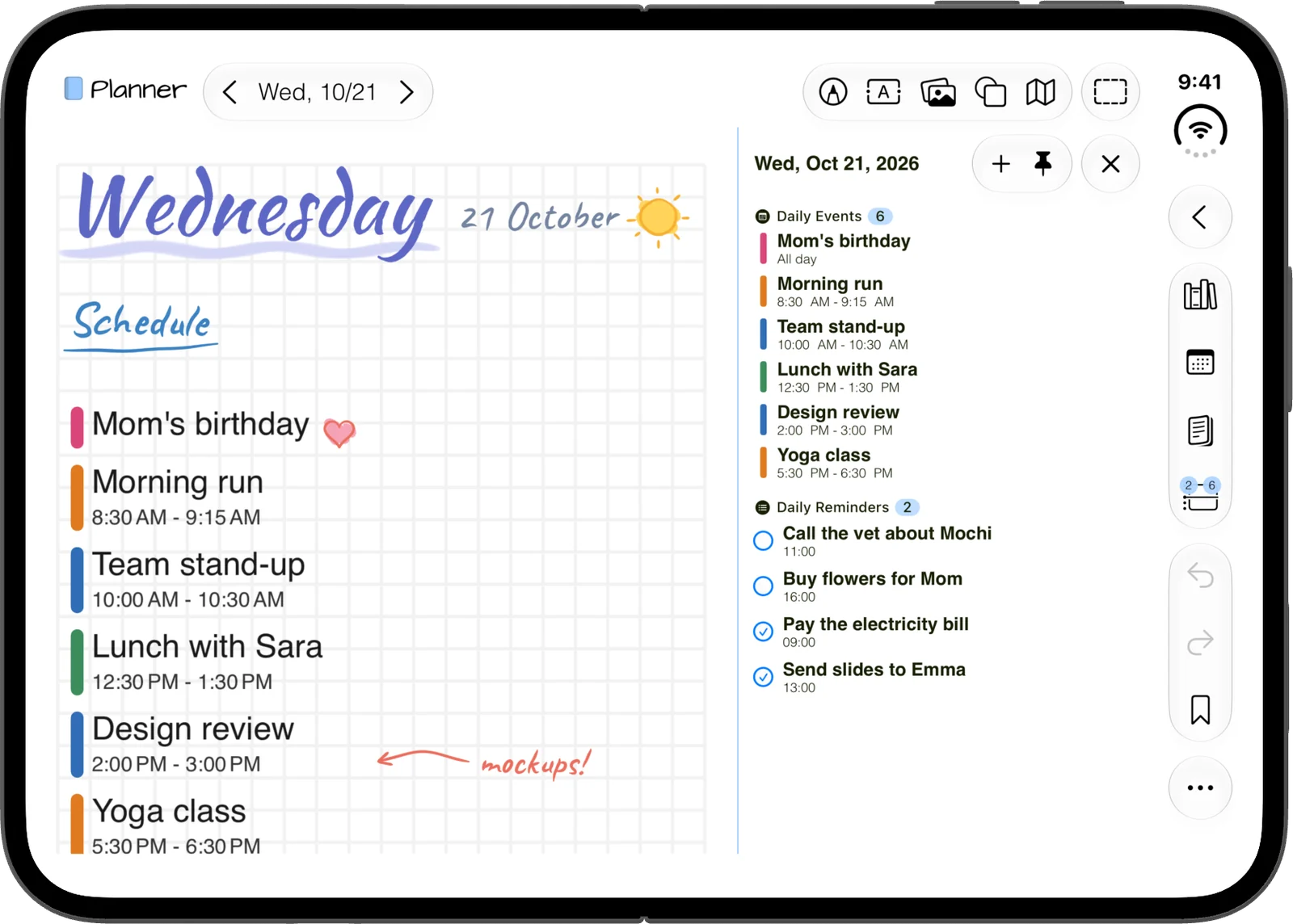
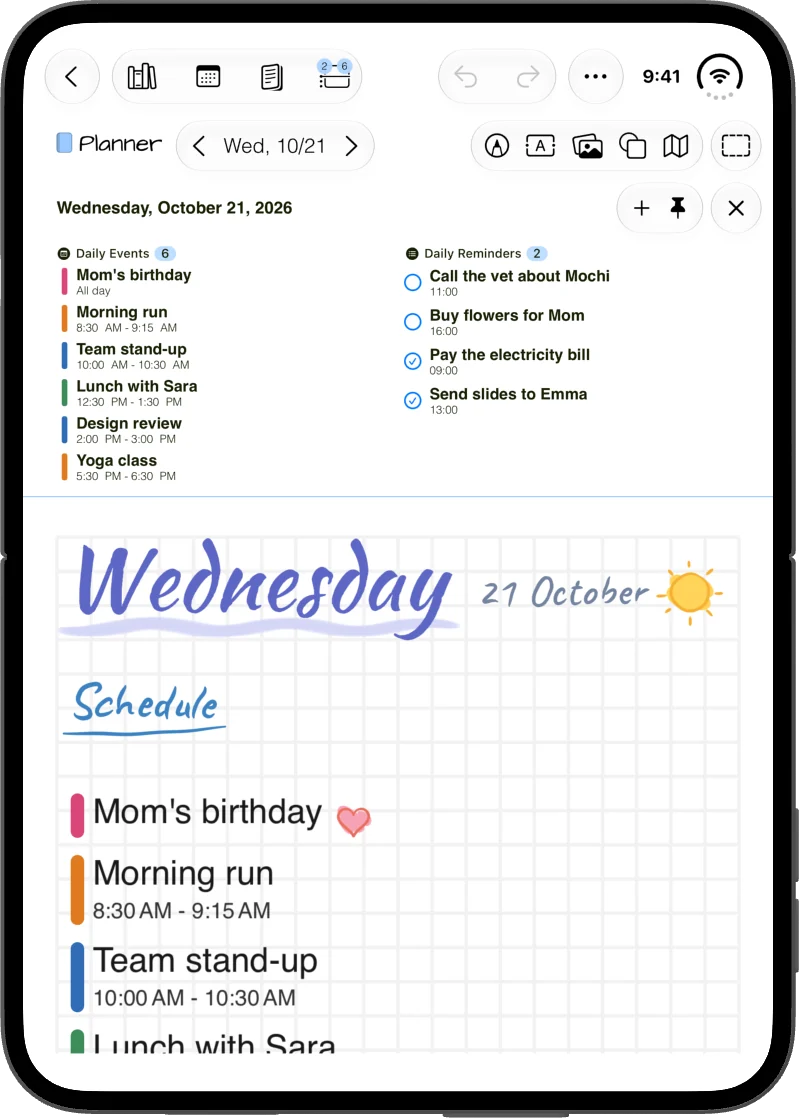
Hold the Duo open like a book and the day splits at the fold. Your page is on the left. That day’s Calendar events and Reminders are on the right, where you can check off a reminder or add a new event.
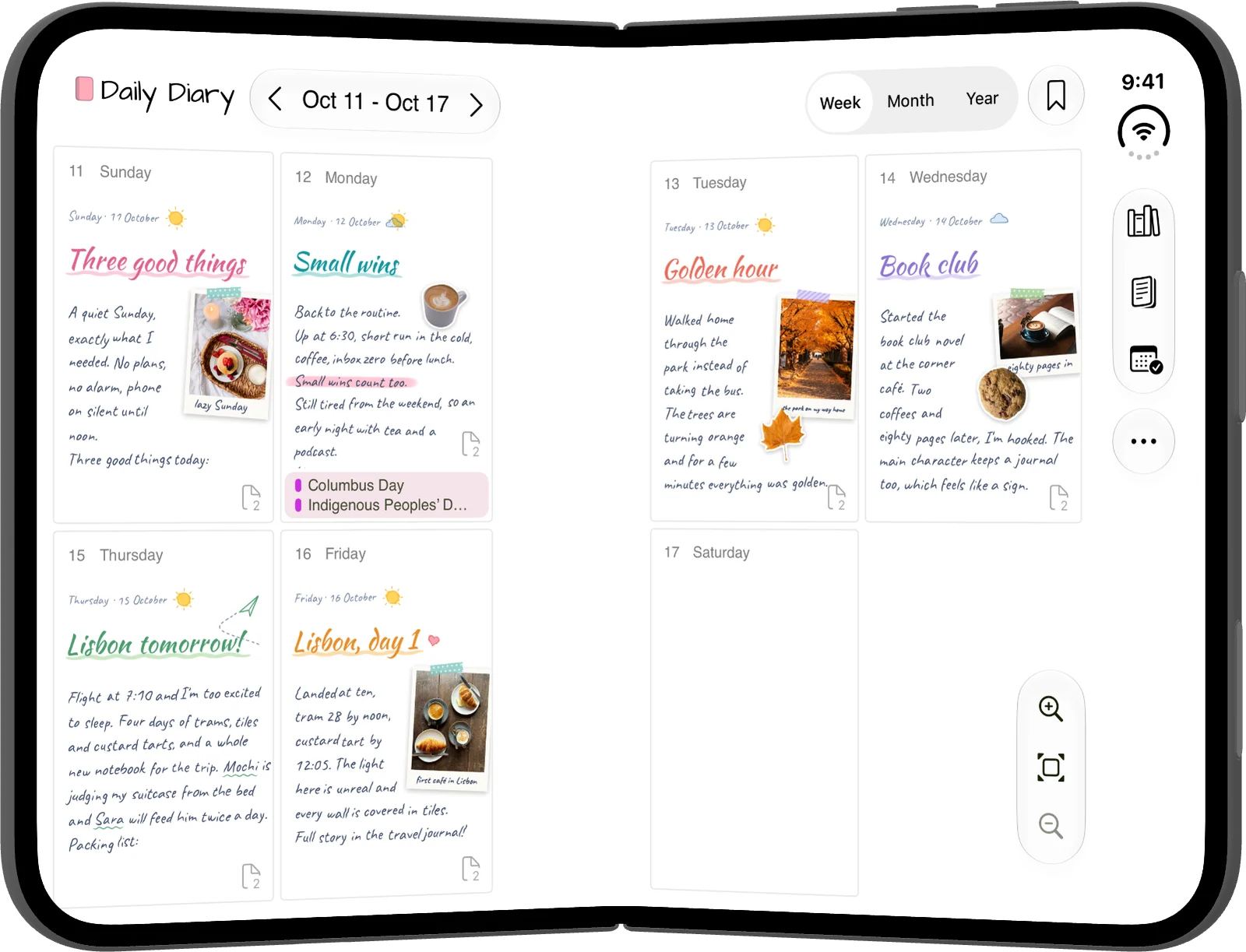
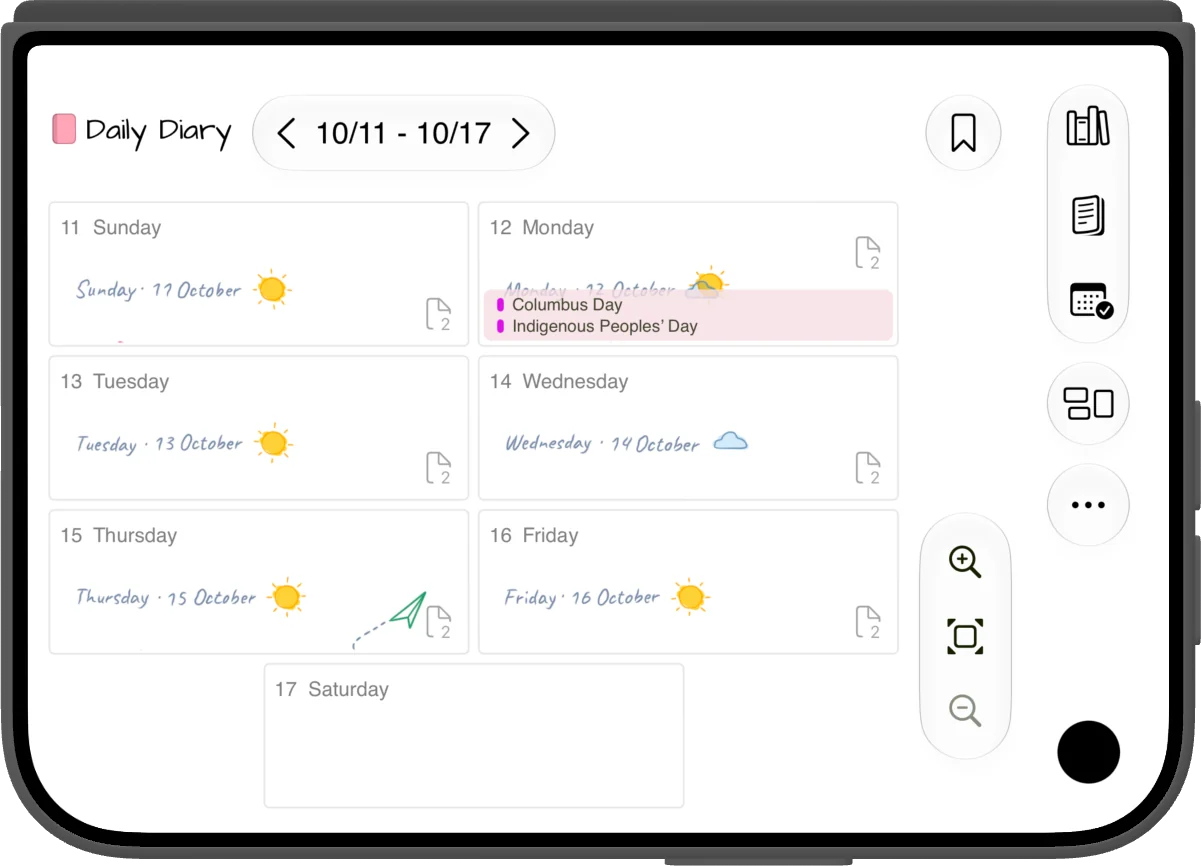
Pin the day panel and it stays open while you move between days. The week view puts two days on each side of the fold, and the month and year views leave a gap at the fold, so no day is cut in half.
Half open
Set it down, half open
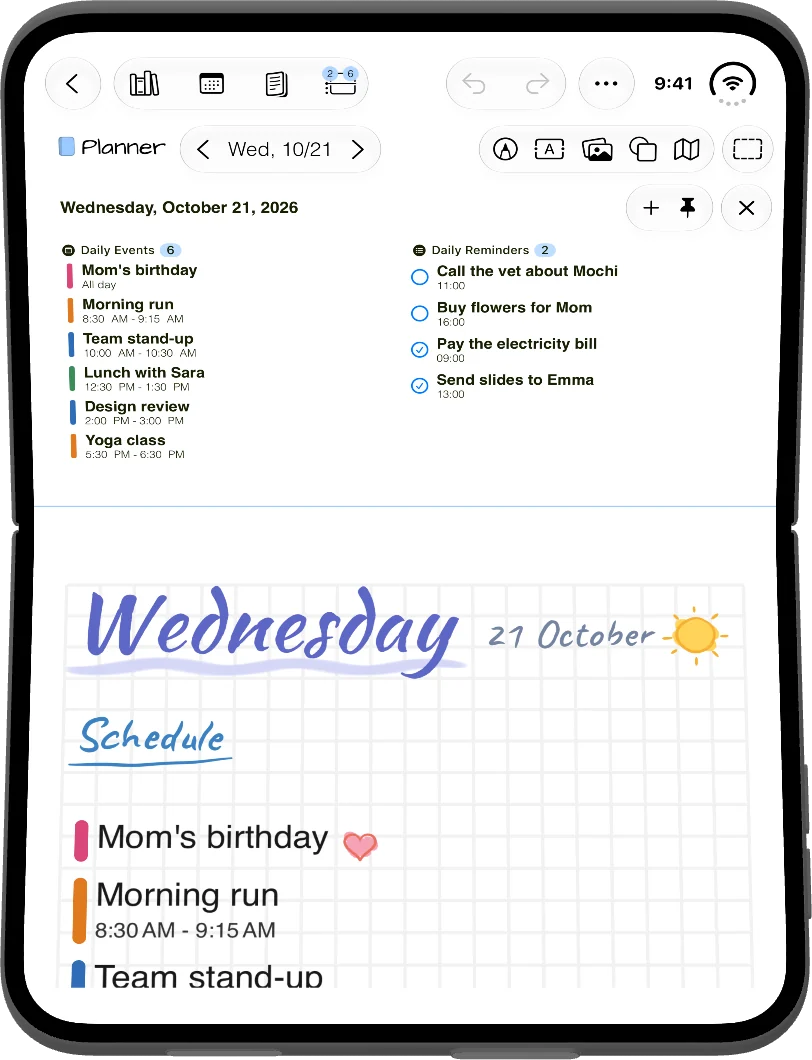
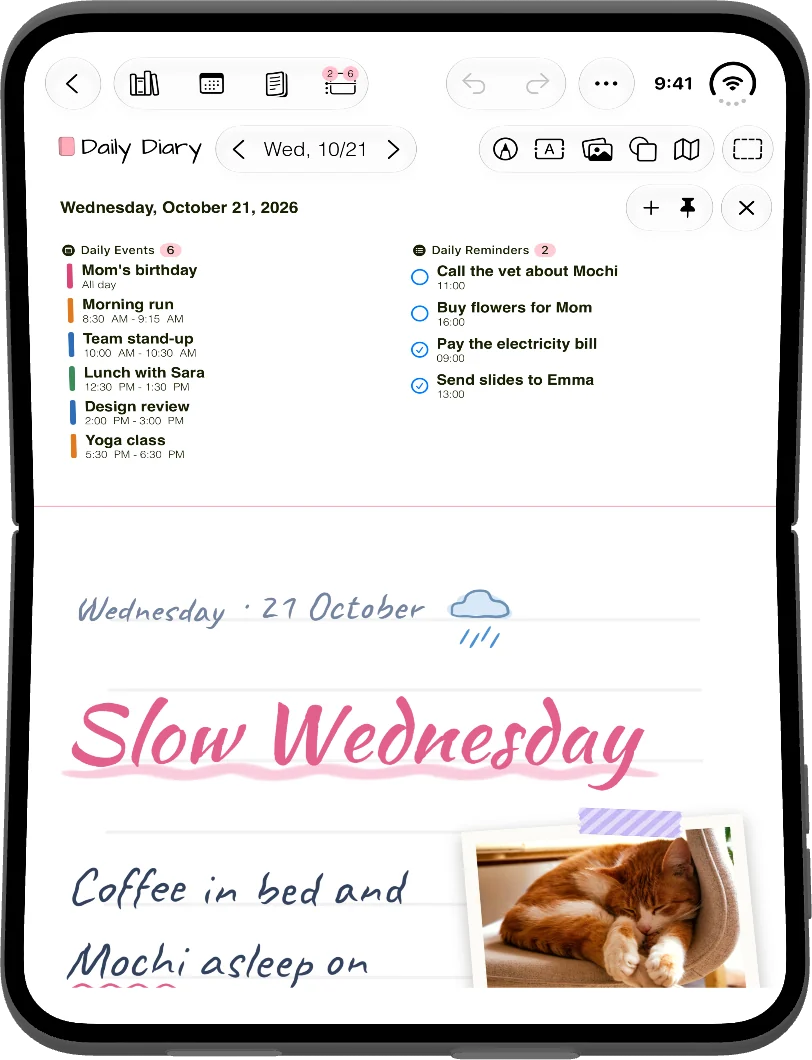
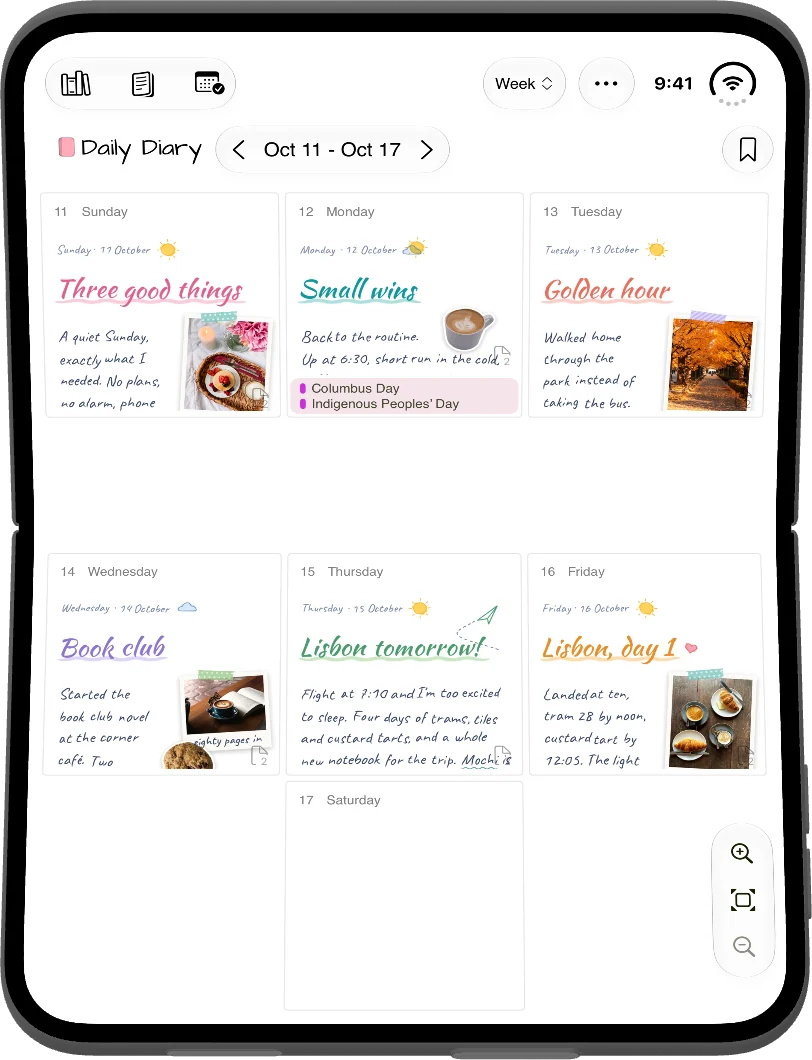
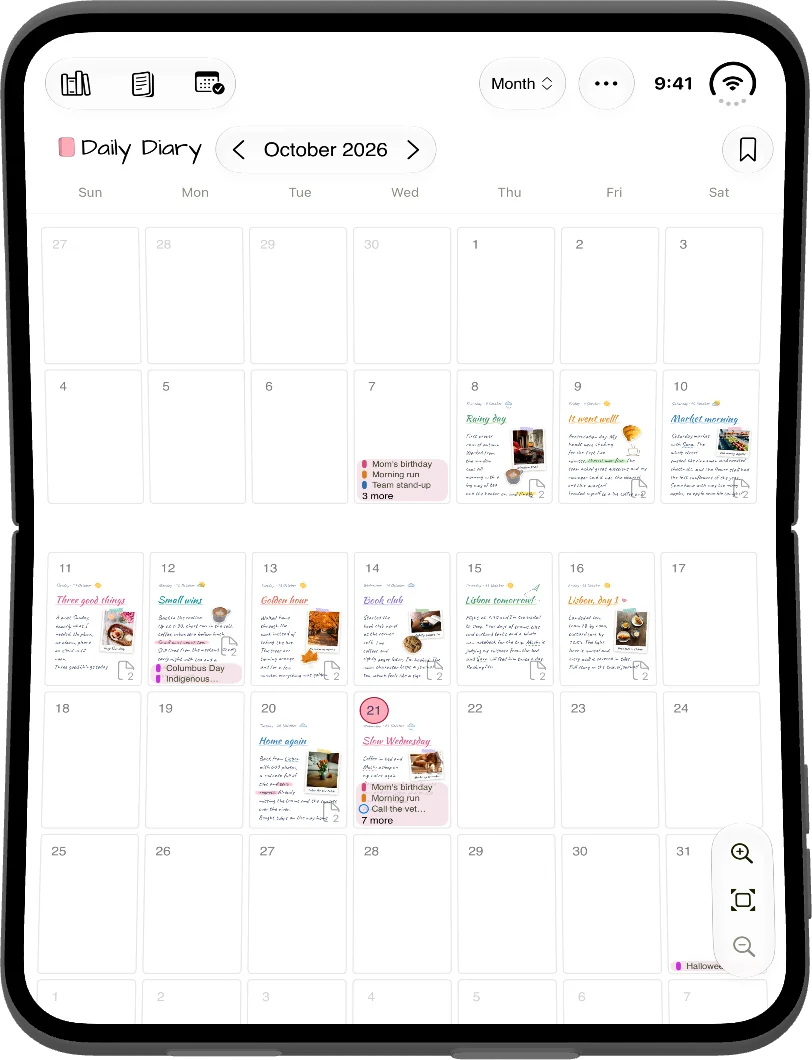
Set the Duo on a table half open, like a small laptop. The day’s events and reminders stand up in the upper half, and the page lies flat in the lower half, where you write.
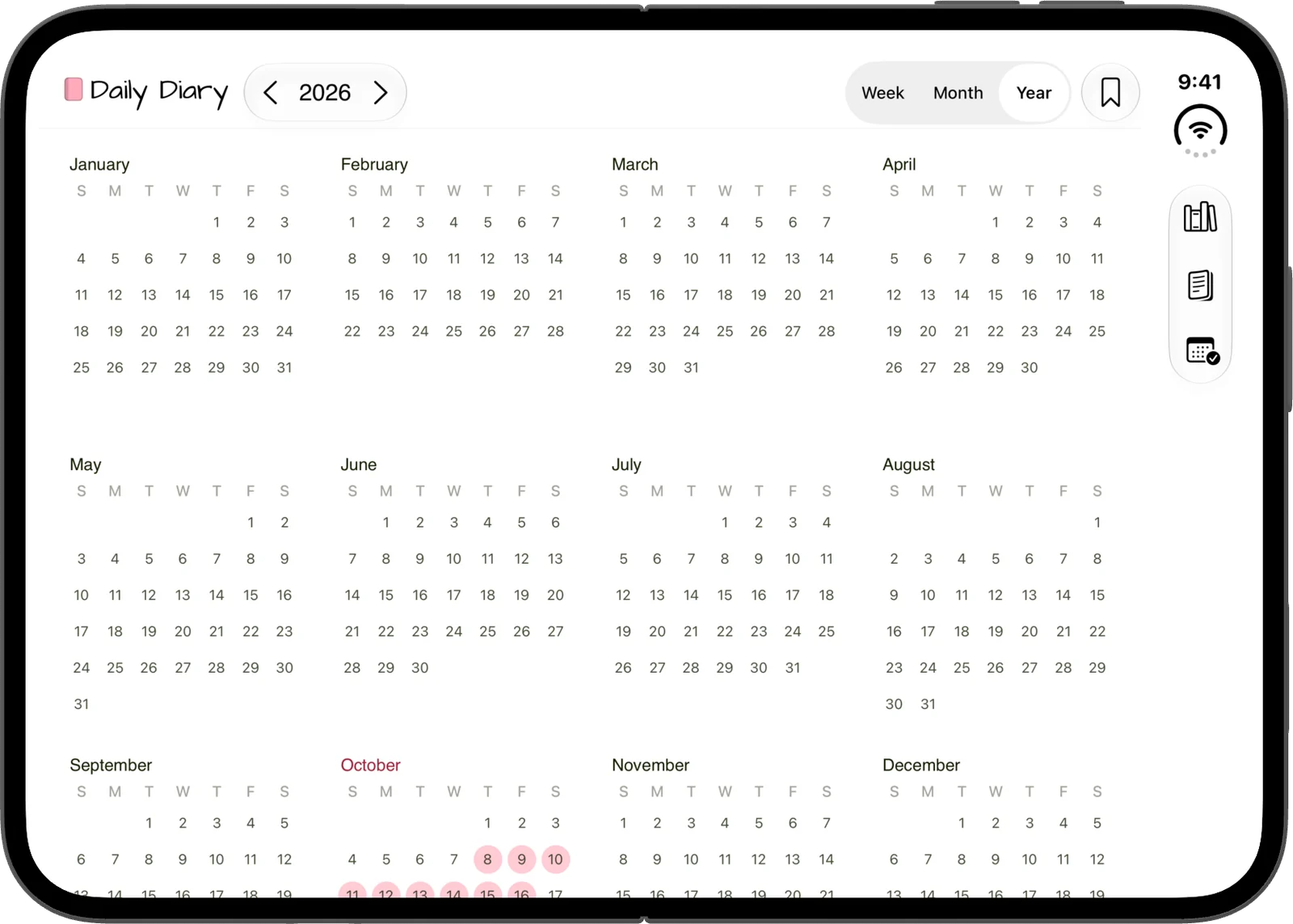
The week, month and year views keep their rows above and below the fold.
Open
Unfold it for the iPad layouts
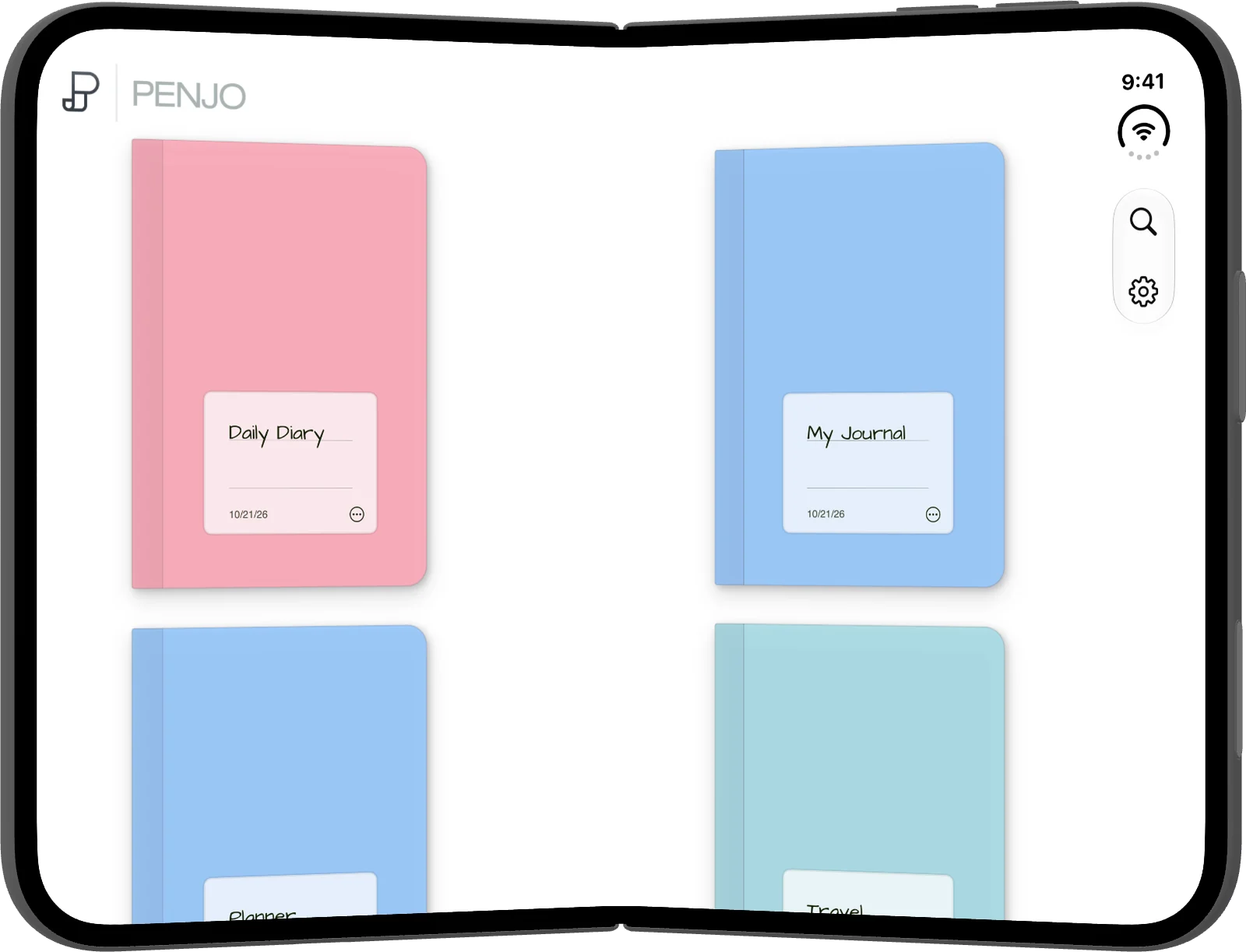
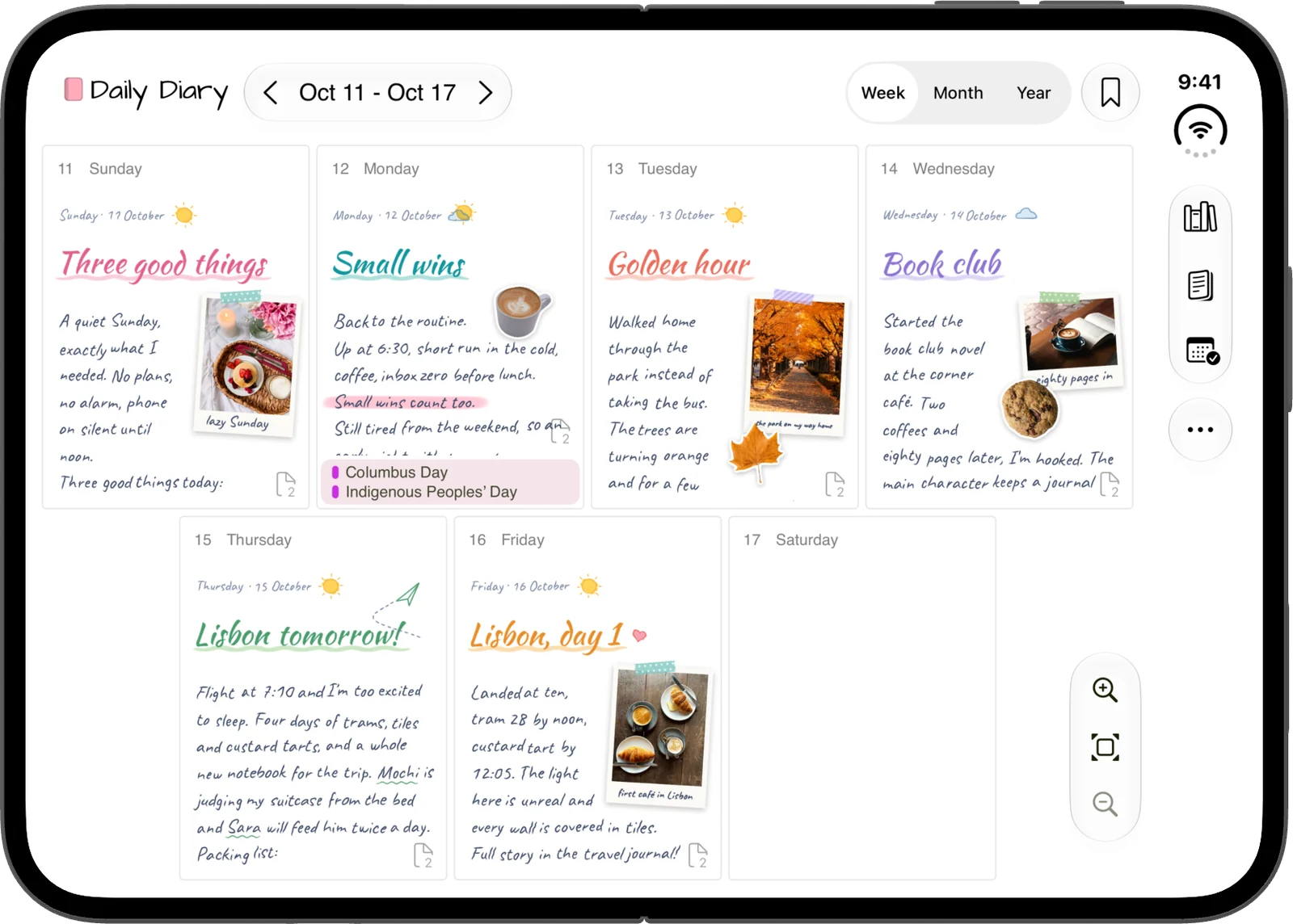
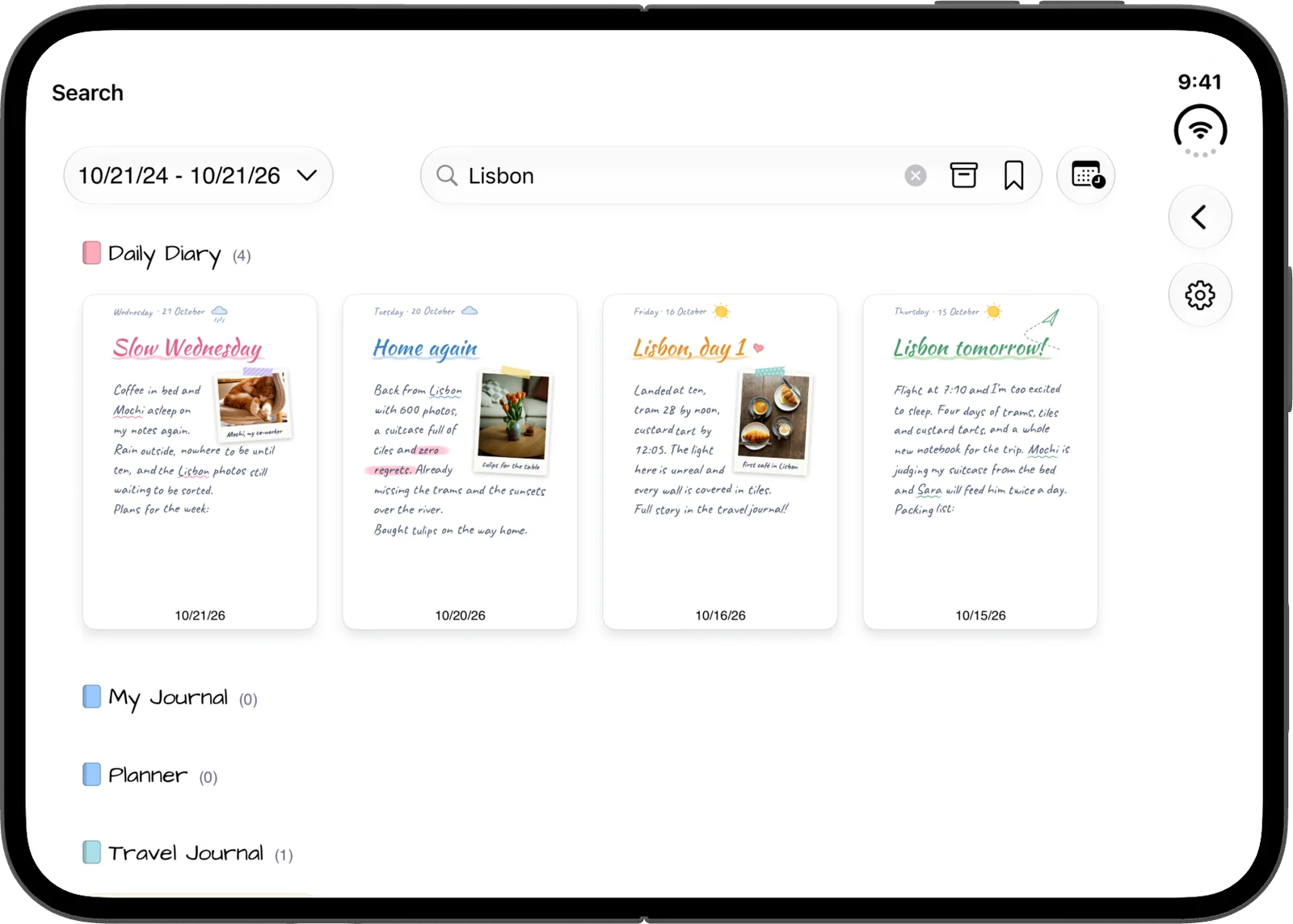
Unfolded, the inner display gets the layouts Penjo has on iPad: the day panel beside the page, the week with each day’s page and plans, the whole year at a glance, and search across every journal.
Search reads your handwriting and the text in photos.
Held tall
Open and held tall
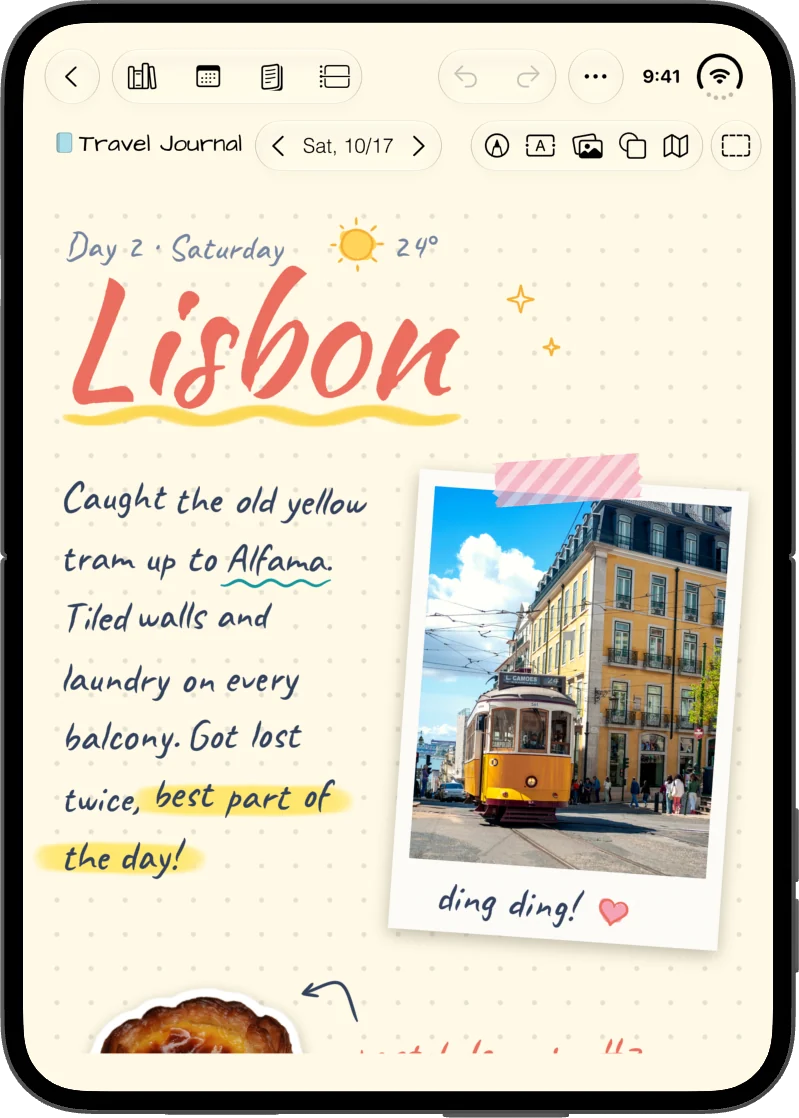
Hold the open Duo upright and the whole page fits the display, as on iPad in portrait, with the tools in the side bar.
Closed
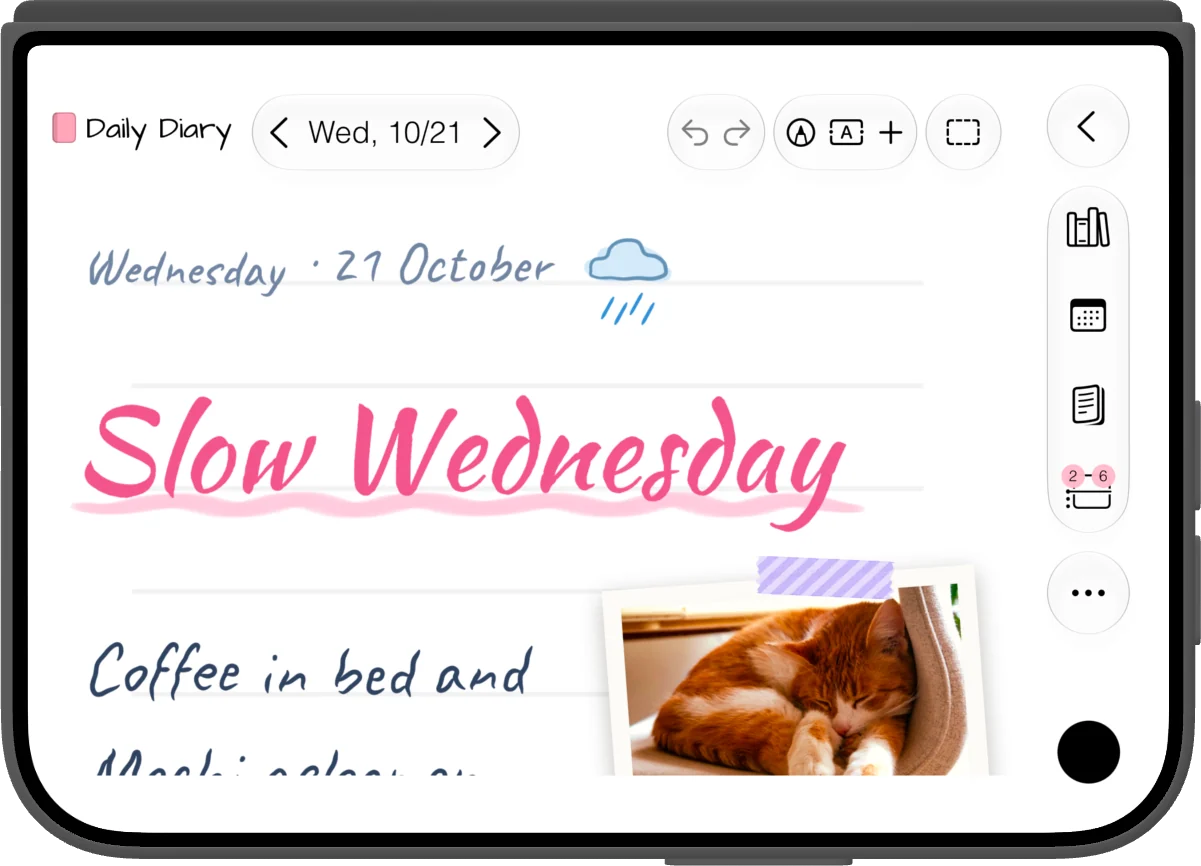
Your iPhone journal, closed
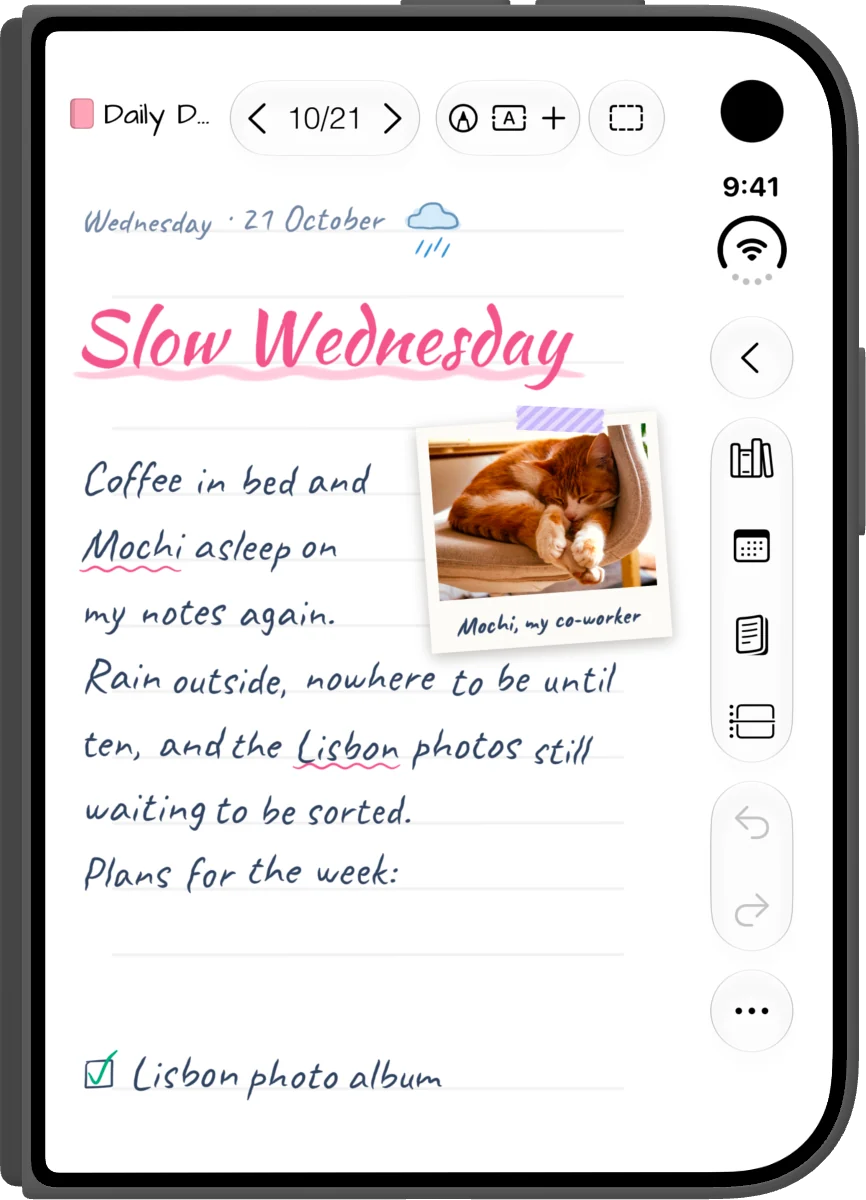
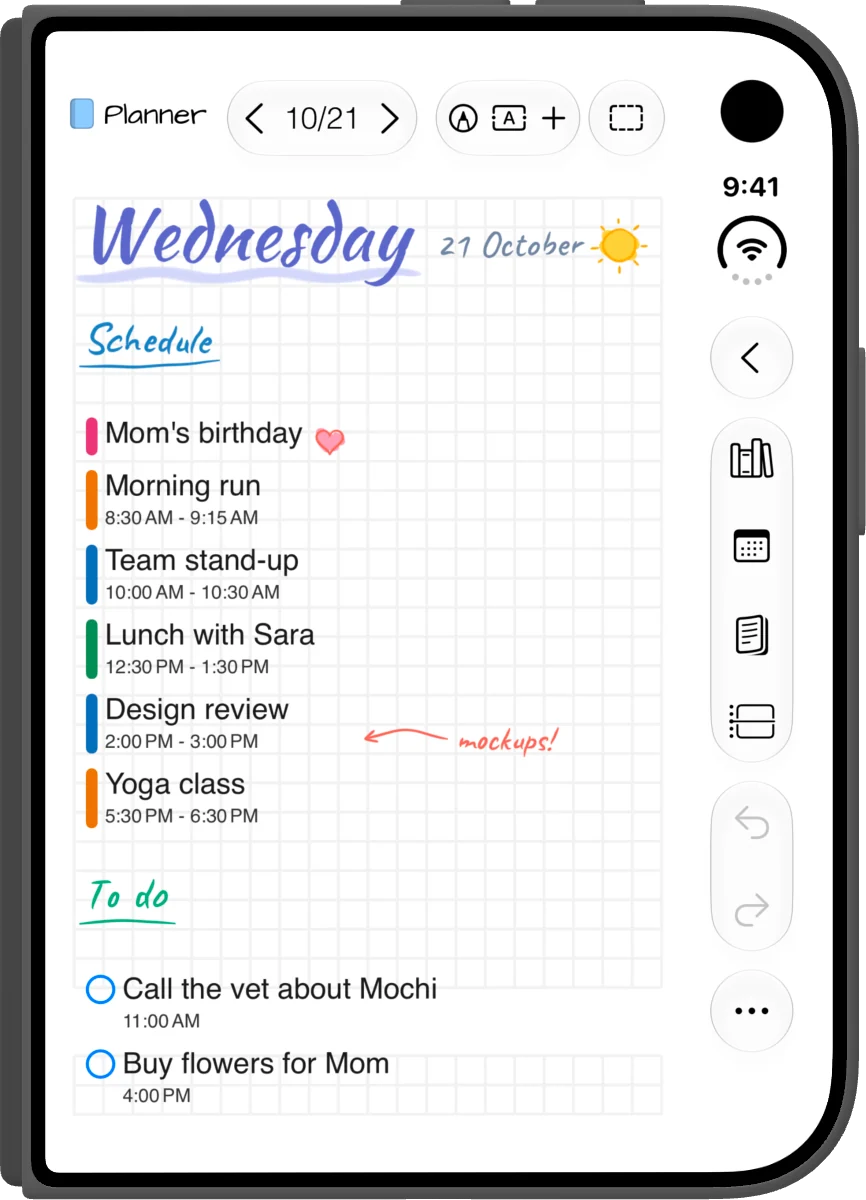
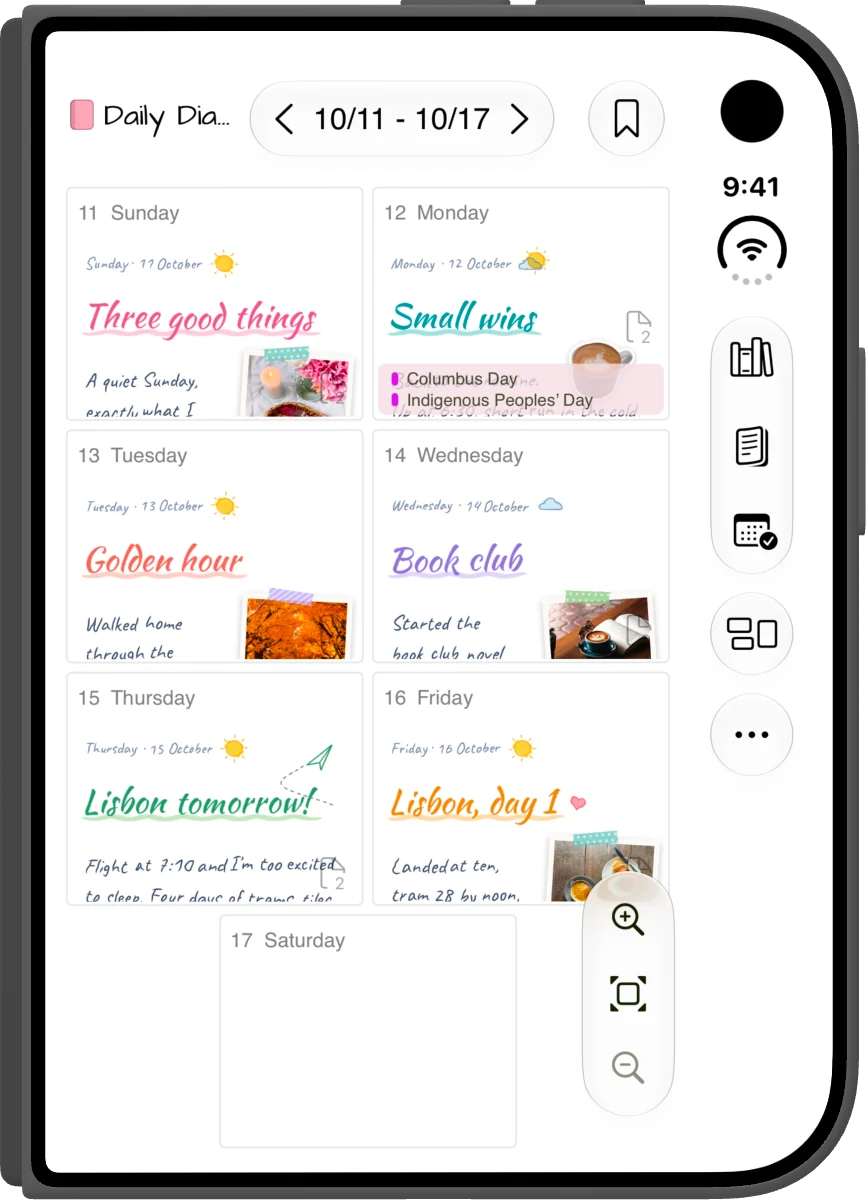
Closed, the outer display keeps Penjo’s iPhone tools: Draw, Text and an Insert menu for photos, the camera, shapes, map cards and Journaling Suggestions. The navigation moves into the side bar, so the page starts right under the tools.
Calendar events and Reminders are on the day page, closed or open.
Standing
Closed and turned sideways
Stand the closed Duo on its side like a tent and Penjo keeps its landscape layout, with the navigation in the side bar.
Fold it shut, the journal closes
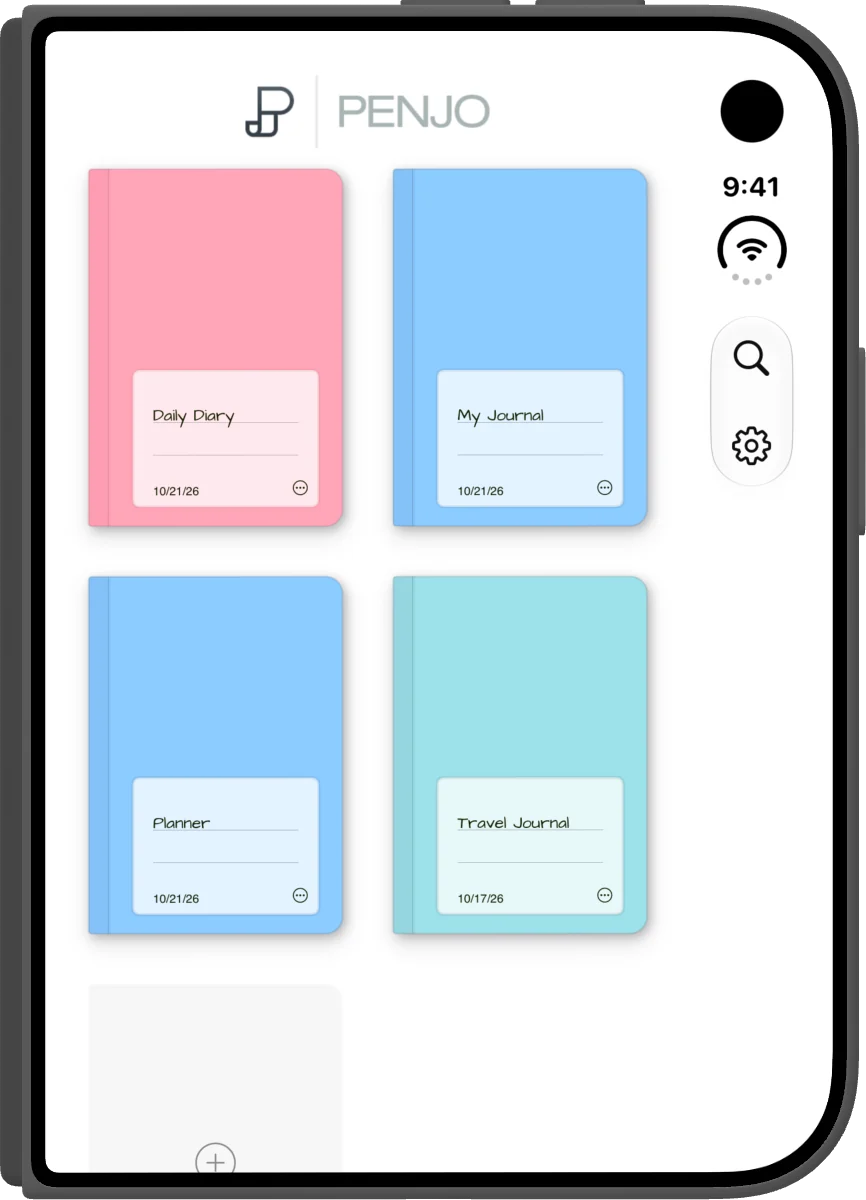
When you fold the Duo shut from the book pose, or from open flat in landscape, Penjo closes the journal with it. The page is saved, the journal’s cover fills the outer display for a moment, and then it shrinks onto its card in your journal list. The video at the top of this page shows it.
Every other fold keeps your place. Unfold the Duo, fold it from the half-open or held-tall pose, or turn the closed Duo sideways, and you are still on the same page, with the day panel, your selection and drawing mode as they were.
App Store previews
The two iPhone Duo preview videos from the App Store. They have no sound.
Try Penjo on your Duo
The free plan includes 3 journals with 14 daily entries each, handwriting search, photos, stickers and sticker tape. Calendar events, Reminders and iCloud sync are part of Penjo Unlimited. The same app runs on iPhone, iPad, Mac and Apple Vision Pro.
Try Penjo FreeThe screenshots and videos come from Penjo 3.8 in the iPhone Duo simulator, with sample journals made for them.