Journaling Suggestions
Apple’s Journaling Suggestions on the day page
Journaling Suggestions is the framework behind Apple’s Journal app. Penjo adopts it: on iPhone and iPad with iOS 18 or later, the suggestions button on a day page shows the moments Apple has gathered for you: photos and Live Photos, places you visited, workouts, and reflection prompts. Pick one and Penjo places it on the page, ready to write around.
The suggestions are assembled on your device by Apple’s framework. Penjo receives only the items you choose to add, nothing else.
Included in the free plan. Not available on Apple Vision Pro or Mac, where Apple does not offer the framework.
Image Playground
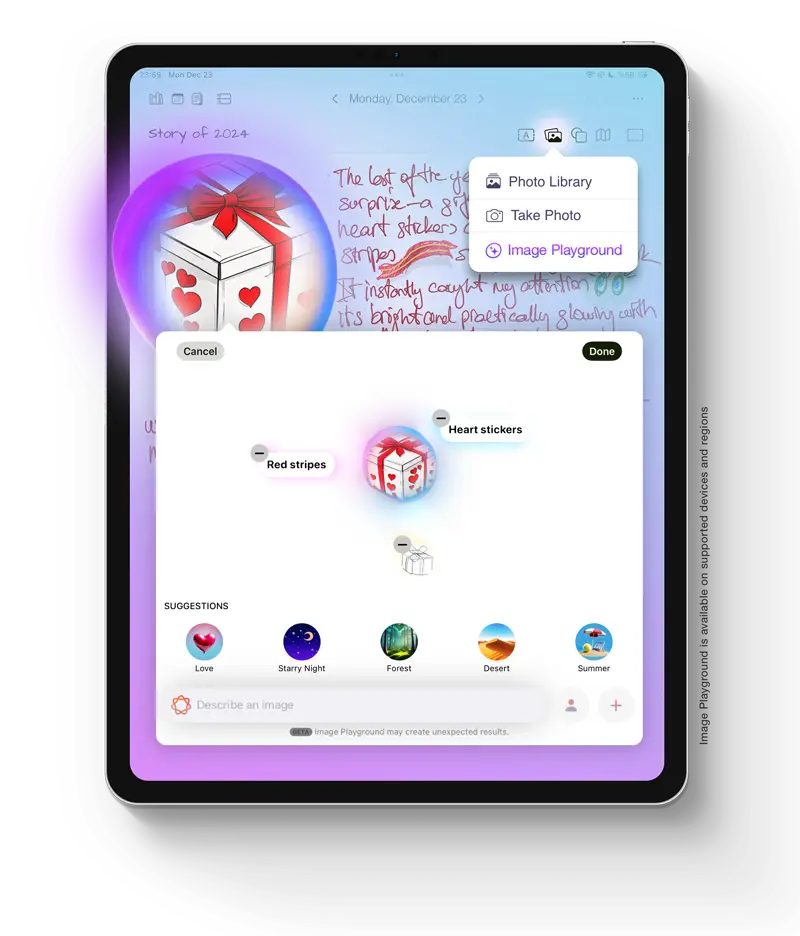
Image Playground, inside the journal
On devices with Apple Intelligence, Penjo opens Apple’s Image Playground from the image menu. Start from a description, a photo, or a drawing selected on your page, and the result lands in your entry as an image you can move, resize, clip into a shape or frame like a photo.
Generation runs through Apple’s system feature, not a Penjo server. Available on supported devices and regions.
visionOS
A native app for Apple Vision Pro
Penjo for Apple Vision Pro is a native visionOS app, not an iPad app running in compatibility mode. Journals open as windows in your space, with the same day pages, calendar events and search as on iPad.
iCloud sync keeps the devices together: an entry written on iPad is on Vision Pro the next time you put it on.
iPhone Duo
Layouts that follow the fold
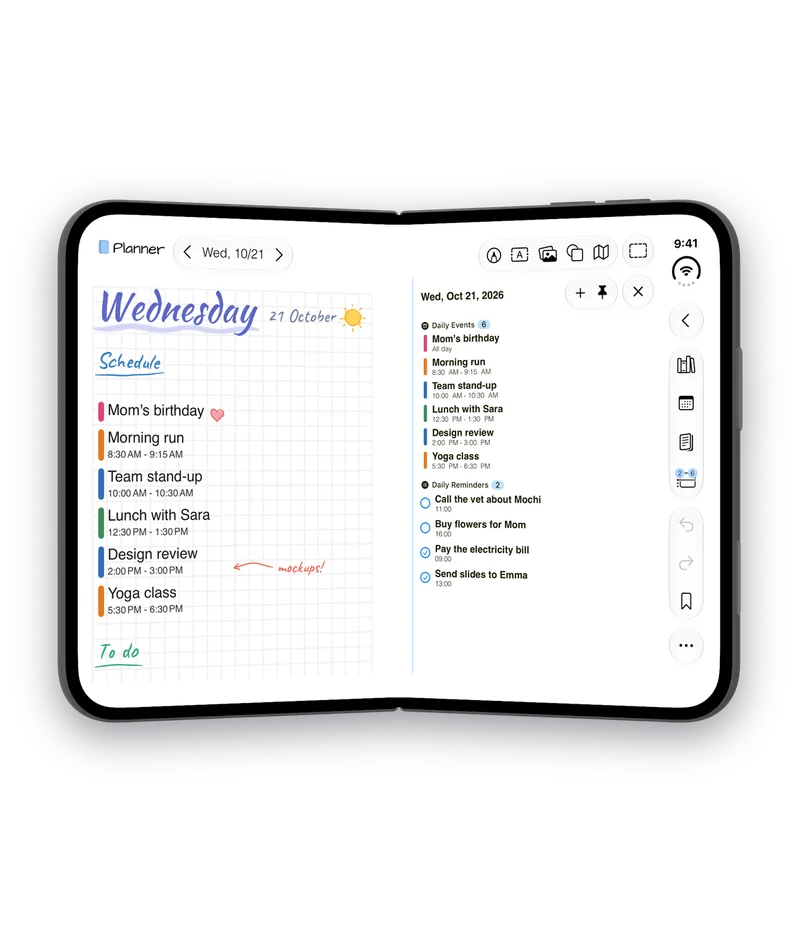
Penjo 3.8 reads where the fold is from iOS, through the reserved regions API in the iOS 27.1 SDK, and lays out each half around it. Held like a book, the page is on one side and the day’s events and reminders on the other, so nothing you read or tap rests on the fold. The week, month and year views keep their columns clear of it too.
Open, the inner display gets Penjo’s iPad layouts. Closed, the outer display keeps the iPhone tools. Fold the Duo shut from the book pose and the journal closes. Penjo on iPhone Duo shows every pose.
Liquid Glass
Glass toolbars in your journal’s colors
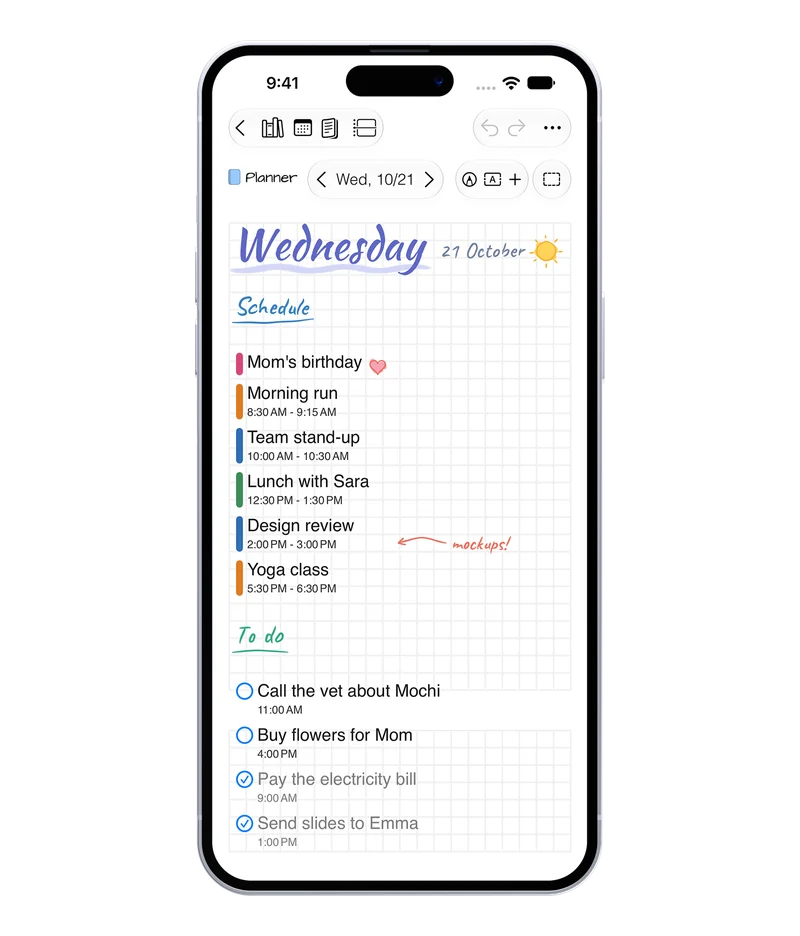
On iOS 26, iPadOS 26 and later, Penjo’s toolbars are Liquid Glass and take your journal’s colors. The page scrolls under them. On iPhone, Drawing, Text and Insert are on the day page, with your journal and date in the second toolbar row.
On iOS 17 and 18, Penjo keeps its earlier design.